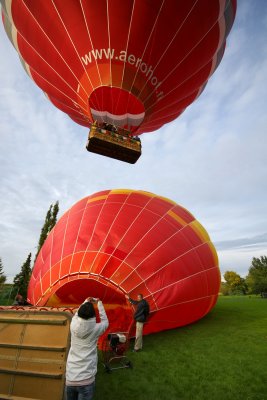
Dimage 7's pictures require some post-processing, because the camera uses it's own, proprietary color space. It's color gamut, the "color palette", is much larger than the sRGB color space used by almost every other consumer-class camera. Pictures will look dull, the colors will be poor, when images are viewed on a typical PC monitor, because most programs are designed to deal with sRGB color space only. Therefore, it's necessary to convert the pictures to sRGB color space for on-screen viewing. However, printing is totally a different story. Depending on the printer, some other color space, such as AdobeRGB, might give better results.
Unfortunately, this exceptional color space has not been properly documented by Minolta. As a result, Dimage 7 has often been claimed to produce very poor colors. This is not true, the colors are rich and accurate after the MinoltaRGB -> sRGB conversion. The camera also provides unparalleled control over color saturation (7 levels!) and contrast.
Sample pictures have been optimized for a screen gamma of 2.2 and color temperature of ~6500 K (daylight). On an uncalibrated PC monitor they will appear too dark and blueish.
Downloadable profiles are available from Minolta's official web site (Minolta's profile) and from Thordur Arnason's web page
http://www.arnason.no/modules.php?name=NSN_Downloads
Original picture, resized to 640×480
DIVU2: sRGB
DIVU2: AppleRGB, gammacorrected
DIVU2: CIE RGB
DIVU's color profile (MLTDim7) assigned
MLTDim7 profile assigned + curve adjustments
Minolta's new profile MLTDiM7.icc assigned
Converted to sRGB color space by using Colorfix program